Build vs Buy AI Agents for Customer Support
Maryna Paryvai · · 13 minutes read

Whether to use AI or not is no longer the question — it’s becoming a standard part of customer support operations. Teams are using it to categorize tickets, answer customer questions, draft responses, improve documentation, retrieve information, and automate repetitive workflows.
But deciding to use AI is just the beginning. You need to figure out which processes are worth automating, what data AI needs to do the job, which tools to use, and who will maintain the AI workflows once they’re up and running.
For some teams, the AI features already built into their helpdesk are more than enough. Others need the flexibility of a dedicated automation platform. And some choose to build their own AI agents to have more control over how everything works.
In this article, we’ll break down your options for automating customer support with AI, explore the pros and cons of building vs buying AI agents, and help you decide which approach makes the most sense for your team.
Three approaches to AI support automation
Support teams have three main options for introducing AI automation: use the AI features built into their helpdesk, buy a dedicated AI tool, or build their own agents. Each approach comes with a different balance of cost, flexibility, and control.
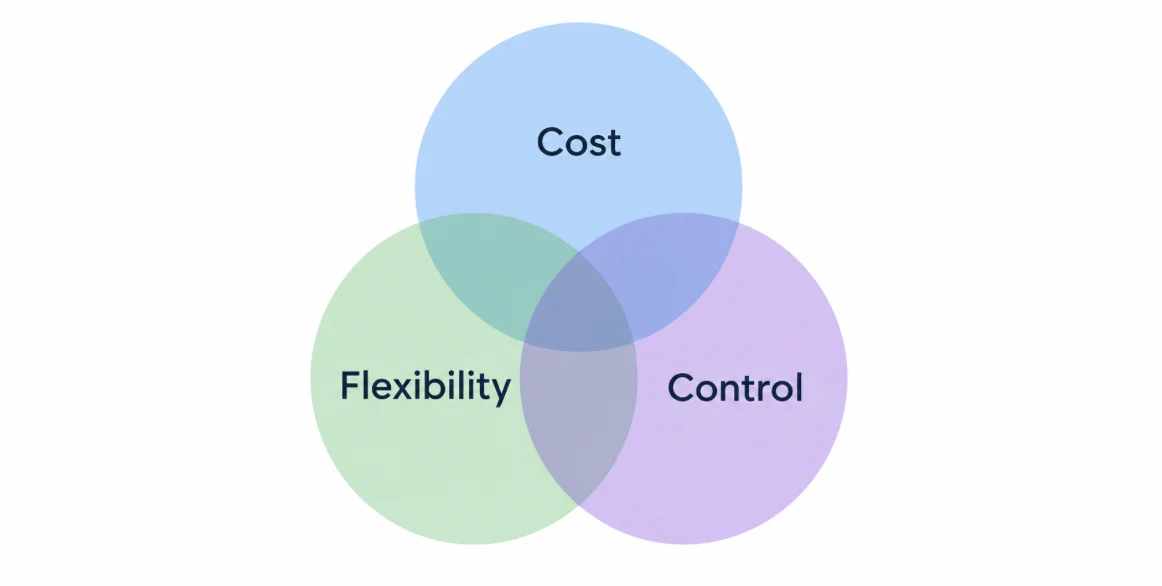
Let’s look at how each option works, where it makes sense, and what tradeoffs to expect.
Use the AI features built into your helpdesk
Best for: Teams getting started with AI automation, or support organizations with relatively straightforward workflows that their helpdesk already handles well.
The simplest place to start is often the helpdesk you’re already using. Most major helpdesk platforms now offer a range of AI capabilities, from ticket classification and summarization to suggested replies, AI copilots, customer-facing AI agents, and MCP servers.
Because these features are built into your existing support environment, there’s usually less setup involved. You don’t need to introduce another platform, build extensive integrations, or manage a separate AI system to set up Agent Copilot in Zendesk or launch Fin in Intercom.
Another advantage of working with an existing vendor is that procurement, security reviews, and ongoing vendor management are often simpler than bringing another provider into your tech stack.
The main limitation is flexibility.
Built-in AI features usually work primarily with your help center content and information already available in the helpdesk. If your decisions rely on information across multiple systems, and your helpdesk AI can’t access a customer’s current account status, product usage, or billing information, it may struggle to resolve more specific customer requests or correctly classify and route tickets.
With limited control over how the AI retrieves information, makes decisions, and handles complex workflows, you’ll also be largely dependent on the vendor’s roadmap if a feature you need isn’t supported yet.
That said, built-in AI can be surprisingly capable when you choose a helpdesk designed for your industry. For example, Gorgias does a particularly good job of making AI automation accessible to ecommerce support teams. With the right setup, teams can automate a substantial share of common requests, along with ticket tagging and routing, without building much themselves.
The same principle applies to other industries. If your support revolves around relatively predictable workflows, such as appointment bookings, reservations, or order inquiries, choosing a helpdesk built to support those use cases would be more practical than investing in a separate AI solution or building your own agent from scratch.
Pros
- Fast implementation: Get started with relatively little setup.
- Lower operational overhead: No separate AI platform or custom infrastructure to maintain.
- Native integration: AI works within your existing helpdesk and its supported workflows.
- Simpler procurement: Working with an existing vendor may reduce admin and security review requirements.
Cons
- Potentially limited context: AI may not have access to all the customer or product data it needs.
- Less flexibility: Limited control over AI behavior, business logic, and integrations.
- Feature constraints: Complex, multi-step workflows may be difficult to automate.
- Vendor dependence: Relying on the helpdesk provider to introduce or improve capabilities.
Buy a dedicated AI automation tool
Best for: Teams that have outgrown their helpdesk’s built-in AI and need more advanced capabilities without taking full responsibility for building and maintaining the technology.
If your helpdesk’s built-in AI doesn’t cover everything you need, the next option is to add a specialized AI tool. They work alongside your existing helpdesk and focus on particular automation opportunities like customer-facing AI agents, agent copilots, knowledge retrieval, or more advanced workflow automation.
If a support problem is common enough, there’s a good chance someone has already built a solution for it. We’ve seen this happen with AI ticket classification. A few years ago, teams handling large ticket volumes started turning to dedicated AI-powered tagging tools like Swifteq’s Ticket Classification because their helpdesks couldn’t classify tickets accurately or consistently enough.
Today, there are still plenty of use cases where dedicated AI platforms can fill gaps.
For example, you might need an AI agent that can retrieve information from your application logs, check subscription details in your billing system, and use that context to help draft a reply to a customer request. A specialized platform like Waypoint can offer the integrations and workflow controls needed to make that possible.
The advantage over building your own solution is that much of the underlying technology is already developed and maintained for you. You can focus on configuring workflows rather than managing models, infrastructure, and orchestration systems.
Of course, you’re still working within someone else’s product, and not every platform will support the systems you use or the actions you want your AI agents to perform. You may need additional integrations or workarounds, and some requirements may remain impossible without custom development.
Cost is another consideration. Licensing, usage-based fees, implementation, and integration work can add up, particularly as automation volumes grow.
You’ll also be introducing another vendor into your support stack, which typically means additional security reviews, data-processing agreements, and ongoing vendor management.
Pros
- Specialized capabilities: Access features and workflow controls your helpdesk may not offer.
- Cross-system context: Some platforms can connect AI to customer data across multiple systems.
- Faster than building: Implement more advanced automation without developing everything from scratch.
- Less infrastructure to maintain: The vendor handles much of the underlying technology.
Cons
- Additional costs: Licensing, usage fees, and implementation can become expensive.
- Integration gaps: The platform may not support every system, data source, or action you need.
- Vendor lock-in: You’re reliant on the provider for ongoing development, reliability, and pricing.
- Procurement overhead: Another vendor means additional security, legal, and compliance considerations.
Build your own AI agents
Best for: Organizations with complex or highly specific support workflows, sufficient engineering capacity, and a clear internal owner for AI automation.
The third option is to build AI agents in-house.
This is becoming more accessible as AI models, APIs, and development tools improve. But whether it makes sense depends on your company’s technical resources and the problems you’re trying to solve.
There are some situations where building is the obvious choice. For example, if your company develops automation technology, like Zapier, you may already have much of the infrastructure and expertise needed to automate your own support workflows. I’ve seen this approach work well as teams can reuse existing capabilities, maintain control over their data, and avoid paying another vendor for functionality they already know how to build.
Of course, most companies aren’t in that position.
If your core product has nothing to do with AI automation, building your own agents means creating and maintaining a new internal system. That doesn’t mean training an AI model from scratch, though — most teams use existing LLMs and build the surrounding infrastructure, combining APIs, retrieval systems, orchestration tools, and custom business logic.
The biggest advantage of this option is control.
You can design agents around your support processes rather than adapting your processes to fit a vendor’s product. You decide which models to use, what customer and product information they can access, which actions they’re allowed to take, and when they should escalate to a human.
You can also build in your own permissions, approval steps, and safeguards. And by keeping your workflow logic separate from the underlying AI model, you’d be able to switch providers without rebuilding everything. This flexibility is great for organizations with complex products or strict requirements around data access and system integrations.
But the freedom comes with responsibility: your team will need to handle development, integrations, testing, monitoring, security, and ongoing improvements. Models change, APIs evolve, and even well-designed workflows can start behaving unexpectedly.
All of this requires engineering time, which is often the biggest constraint. Support teams rarely have unlimited access to developers, and maintaining internal AI automation may compete with other product and engineering priorities.
The costs can also be easy to underestimate. Beyond initial development, you’ll need to account for infrastructure, model usage, monitoring, maintenance, and the people responsible for keeping everything running. If an existing product already solves your problem reasonably well, building a custom solution may create more work than value.
Pros
- Maximum flexibility: Design workflows around your specific support processes.
- Control over data and logic: Decide what information agents can access, what actions they can take, and which safeguards apply.
- Model choice: Select and potentially switch between AI providers as your needs change.
Cons
- Higher upfront investment: Development, integrations, and testing require engineering resources.
- Ongoing maintenance: Monitoring, incident response, and continuous improvement become internal responsibilities.
- Hidden costs: Engineering time, infrastructure, model usage, and maintenance can exceed initial estimates.
So, should you build, buy, or use what you already have?
There’s no single right answer. The decision comes down to tradeoffs between cost, speed, flexibility, technical complexity, and how much control you want over your AI workflows.
My advice is to start with what you want to automate, then choose the tools that can do it — not the other way around.
Take ticket classification, for example.
For an ecommerce business, automatically categorizing tickets into topics like returns, delivery issues, and refunds is relatively straightforward. The categories are usually well-defined, and a helpdesk’s built-in AI will likely handle the task well with little additional configuration.
Now imagine you’re supporting a complex B2B SaaS product. A customer reports unexpected behavior that could involve several interconnected features. Even with a detailed ticket taxonomy, the helpdesk’s AI will struggle to identify the right category because it doesn’t understand how those features work together.
In some cases, accurate classification requires context from your product management tools, technical documentation, or even the codebase. So instead of relying on the helpdesk’s built-in AI, more technical teams often opt to build custom AI workflows, because the information needed to make a good decision just isn’t available to their existing helpdesk AI.
The same principle applies to other support workflows.
- Built-in helpdesk AI is a good starting point when you want to automate relatively predictable tasks or test a use case before investing in something more sophisticated. It’s particularly practical when the AI only needs information and actions already available within your helpdesk.
- A dedicated AI tool makes sense when you’ve reached the limits of your helpdesk’s capabilities, but the problem you’re trying to solve is common enough that an existing product can handle it. For example, larger support teams may use specialized AI copilots or platforms that retrieve customer information across multiple systems, with appropriate access controls.
- Building your own AI agents becomes worth considering when existing tools can’t meet your requirements, the workflows are important enough to justify the investment, and you have the engineering resources to maintain them. Data security can also be a deciding factor. If your security team can’t approve sending certain customer or product information to an external AI provider, an internally managed solution may be the answer.
These options aren’t mutually exclusive.
You might get excellent results from your helpdesk’s built-in AI and still need something more advanced for certain workflows.
For example, your helpdesk’s AI copilot might do a great job of helping reps find answers in documentation and past tickets, while accurate ticket classification requires a custom solution with access to deeper product context.
Or your built-in AI bot might handle common product questions well but struggle with requests that depend on a customer’s account configuration or current product state. To automate more of those conversations, you’d need to build a custom agent connected to your backend systems or introduce a tool that can access that information.
I’ve seen similar challenges with customer feedback analysis. When you’re supporting a complex product with thousands of existing feature requests, matching new feedback to the right items isn’t as simple as comparing titles and descriptions. It requires a deeper understanding of how the product works, including context from your codebase and development tracking tools, so building a custom solution can be worth the investment.
The takeaway? You don’t have to choose one approach for everything — evaluate each workflow separately and use the simplest solution that can reliably handle it, adding complexity only when there’s a good reason to.
Build the foundations for AI automation that can scale
Whichever approach you choose, it’s worth thinking about what happens as you scale and your needs change.
A solution that works well today might become limiting as you automate more workflows, need access to additional customer data, or introduce new AI tools. That’s why I’d recommend running an AI readiness assessment for your organization before making a major investment in automation.
Look at how your support processes are documented, where customer and product information lives, and how easily your AI tools can access it. If your workflows depend on undocumented rules, scattered internal notes, or knowledge that only a few experienced reps have, even the best AI platform will struggle without significant configuration.
You might find a vendor willing to do all that work for you. But if all that knowledge and workflow logic ends up living inside their platform, switching providers later could mean rebuilding much of it from scratch.
And there are plenty of reasons you might want to switch. Your vendor could raise its prices, discontinue a feature you rely on, or shut down altogether. Or a new AI model or platform might come along that can handle your workflows more effectively.
You can’t eliminate vendor dependence entirely, but you can make switching tools much easier by keeping your support data, processes, and knowledge well-organized and accessible.
For example, if you use Zendesk, having a clear ticket taxonomy, consistently populated custom fields, meaningful internal notes, and documented assignment rules makes it easier for different AI tools to understand and work with your support data. The same goes for maintaining an accurate, up-to-date knowledge base, whether you use AI to help with content maintenance or follow a structured approach like knowledge-centered service.
With those foundations in place, you won’t have to spend as much time teaching every new AI tool how your support team works.
And if you eventually need capabilities beyond Zendesk’s built-in AI, you can introduce tools like Swifteq’s Zendesk MCP Server to give compatible AI agents access to your existing ticket data and workflows. When that information is already well-structured, there’s less additional setup needed to make it useful.
The goal isn’t to prepare for every AI tool that might come along. It’s to avoid tying your support operations so closely to one vendor that changing tools becomes a major project.
Whether you build, buy, or stick with your helpdesk’s existing capabilities, getting your data, documentation, and processes in order will make whichever solution you choose more effective — and easier to build on as your needs evolve.
Keep Zendesk open to whichever AI you choose
Organized data makes a new AI tool easier to set up. It doesn’t decide whether your workflows survive the switch. That depends on where the connection to Zendesk lives. If every tool reaches your tickets through its own integration, the connection belongs to that vendor and leaves with them. So ask the question before you sign anything: if your AI vendor shut down tomorrow, what would you have to rebuild?
The MCP Server for Zendesk keeps that connection on your side. It uses MCP, an open standard, so Claude, ChatGPT, Microsoft Copilot Studio and other compatible assistants reach your tickets, users and organizations, macros, Help Center articles and CSAT the same way. Change assistants and the new one signs in to the same server. Nothing on the Zendesk side has to be rebuilt.
It fits the build option too. An agent your engineers build can connect as its own MCP client with OAuth sign in (Swifteq sets those up case by case), so Zendesk is one integration they don’t have to write and maintain.
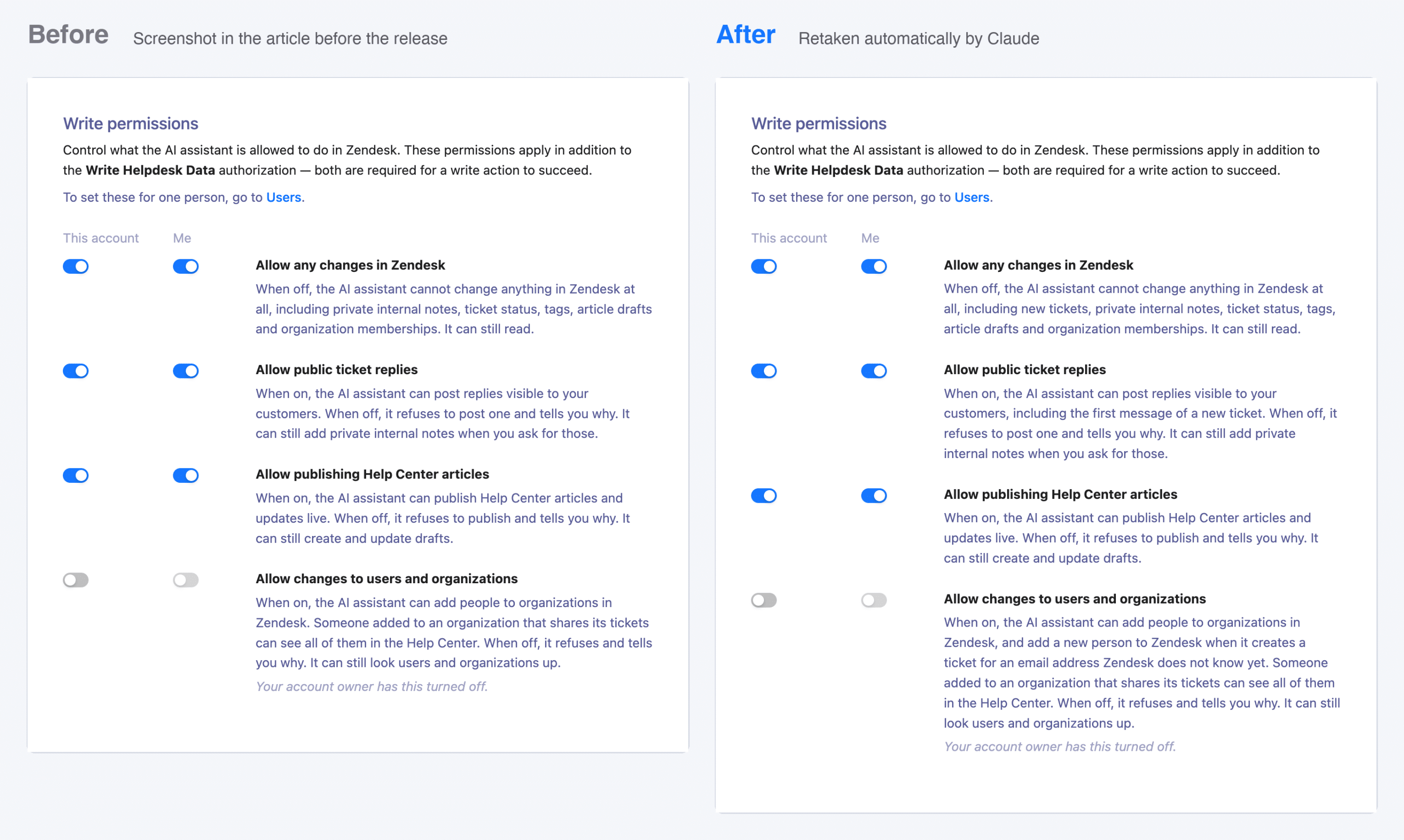
The control this article asks for stays with you. Each person signs in with their own Zendesk login by default, so their role and groups apply. Access is read only until an account owner allows changes, nothing can be deleted, and ticket data is fetched when the assistant asks and not stored. Swifteq runs no AI model, so the choice of model stays yours. For the security review, it is hosted in the EU and Swifteq holds SOC 2 Type 2 certification.
The same goes for the ticket classification example above: Ticket Classification sorts tickets into your own categories and writes them to Zendesk tags and fields, where any AI tool you connect later can read them.
The MCP Server is free for 500 calls a month per Zendesk account, with no credit card required. Connect your AI assistant to Zendesk and see what it can do with your own tickets.